Chuyển đến nội dung chính

EK releases RGB monoblock for GIGABYTE® Z270X motherboards

EK releases RGB monoblock for GIGABYTE® Z270X motherboards

February 9, 2017 | Water Blocks
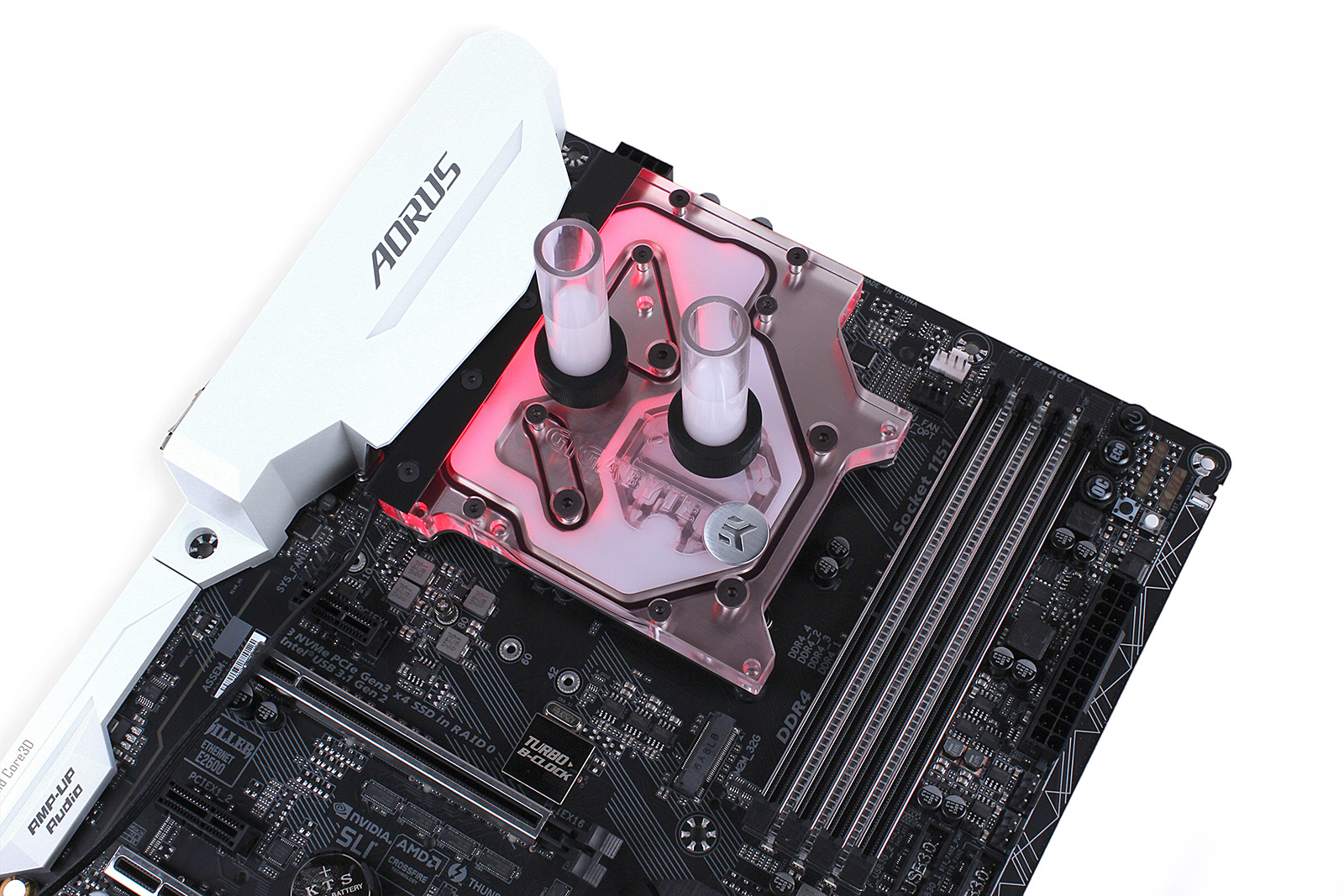
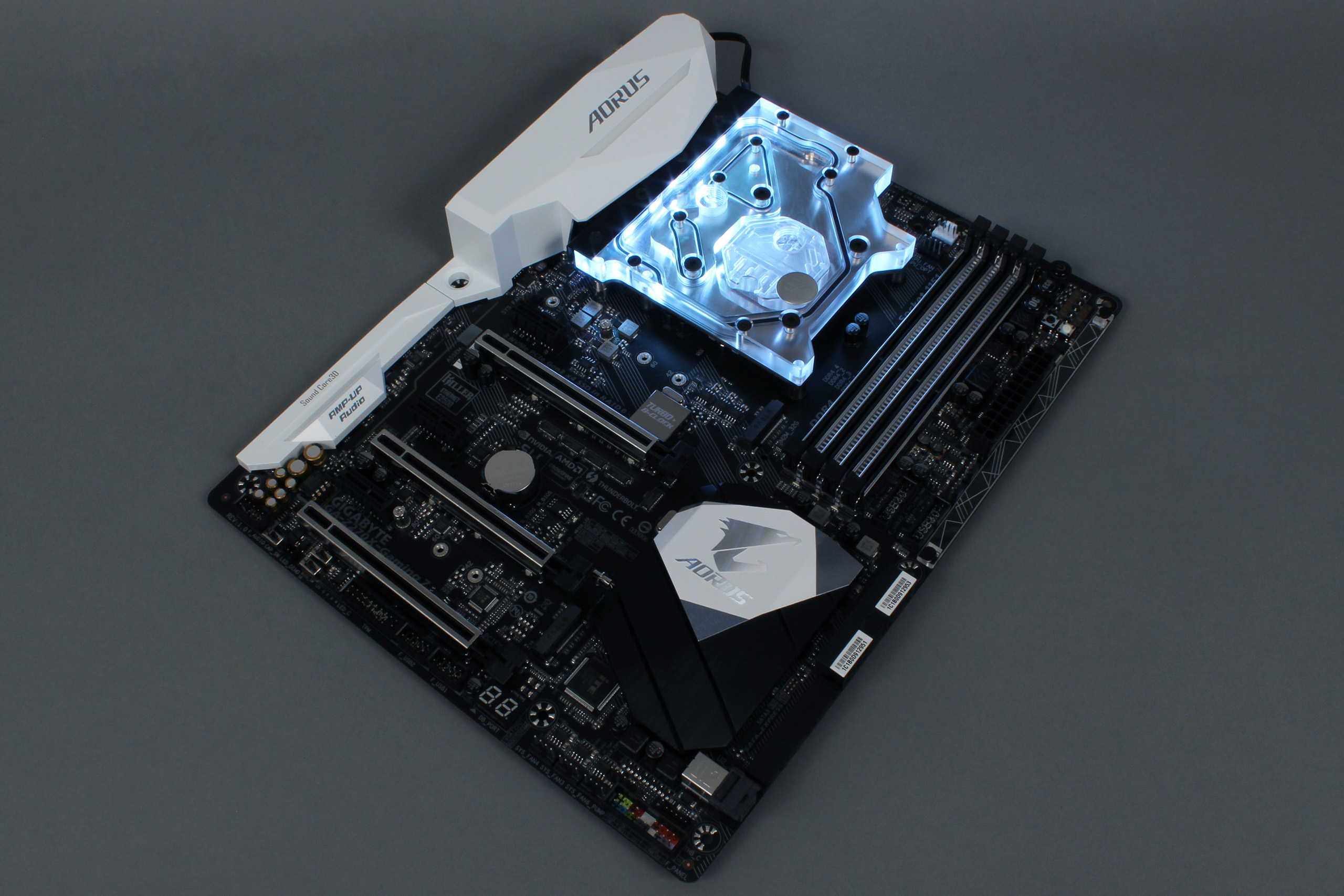
EK Water Blocks, the world renowned premium liquid cooling manufacturer, is proud to release the monoblock liquid cooling solution for GIGABYTE® Z270X motherboards. EK-FB GA Z270X RGB Monoblock is compatible with GIGABYTE® RGB Fusion, thus offering a full lighting customization experience!
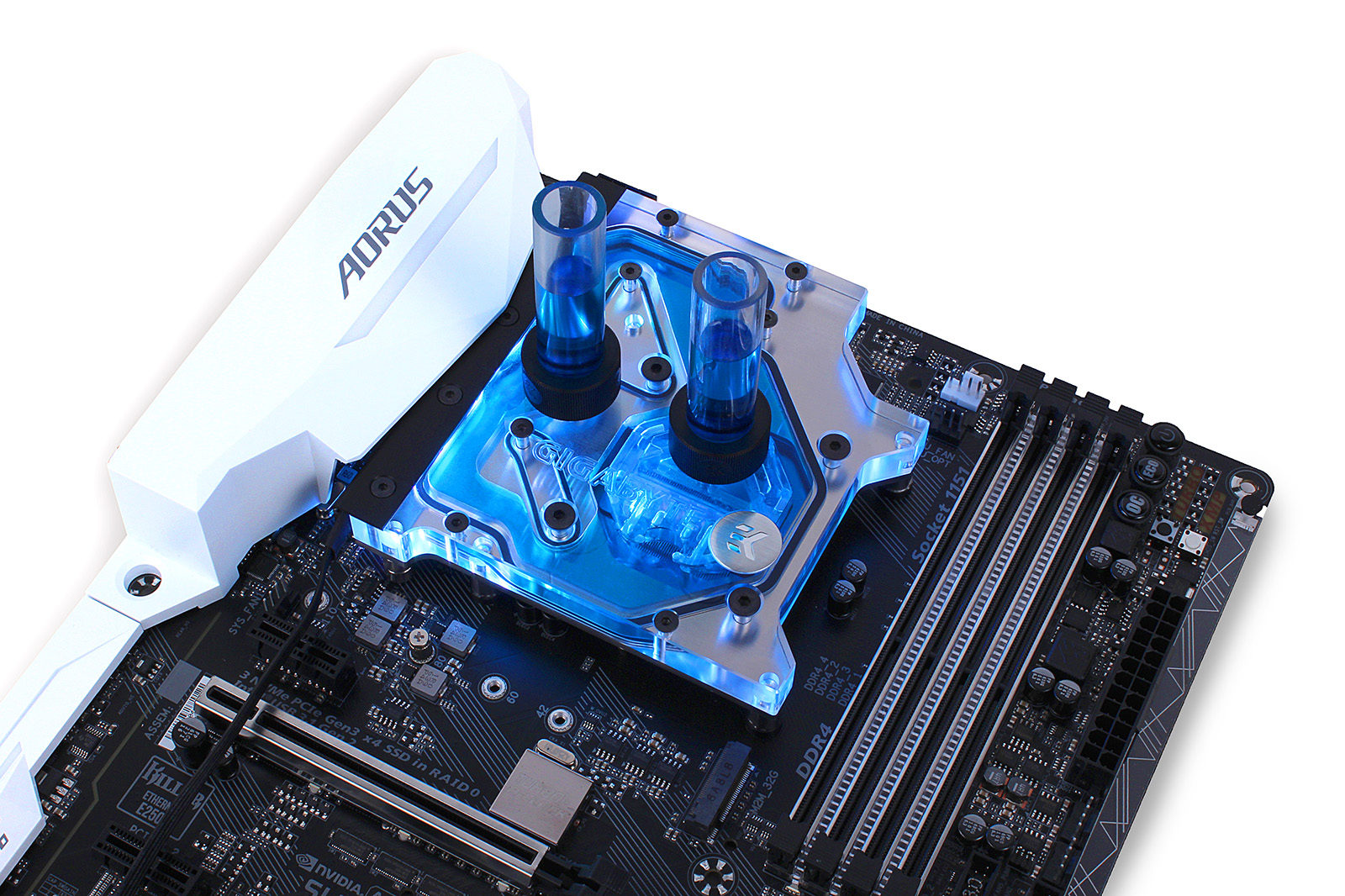
EK-FB_GA_Z270X_Monoblock_08

EK-FB GA Z270X RGB Monoblock

EK-FB GA Z270X RGB Monoblock is a complete all-in-one (CPU and motherboard) liquid cooling solution for Intel® LGA-1151 socket Kaby Lake® and Sky Lake® CPU’s. This monoblock is compatible with the following GIGABYTE® motherboards:
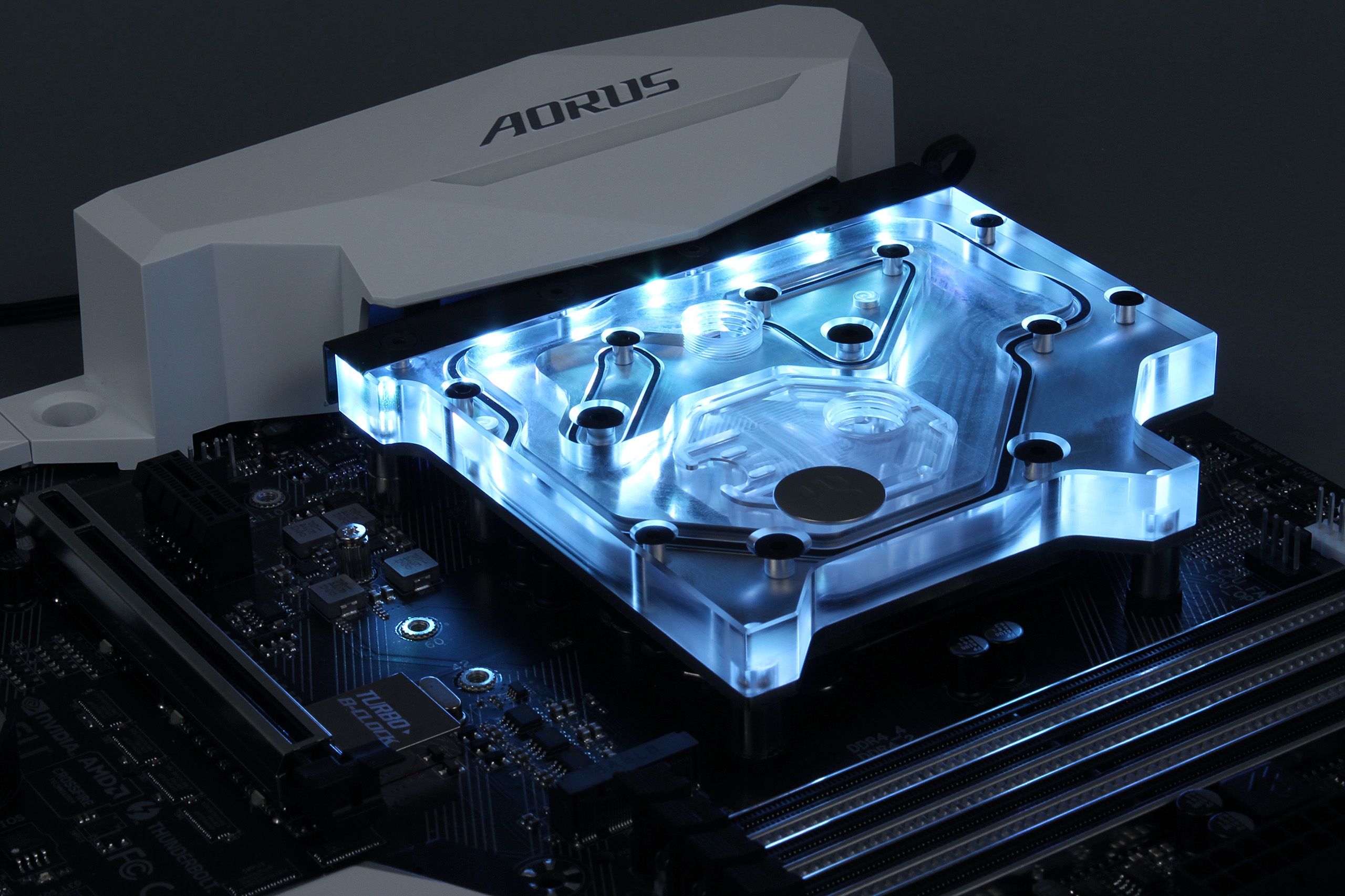
Designed and engineered in cooperation with GIGABYTE®, this monoblock uses award-winning EK-Supremacy EVO cooling engine to ensure best possible CPU cooling. This water block directly cools Intel LGA-1151 socket type CPU and the power regulation (MOSFET) module as water flows directly over all critical areas. It is a very high flow water block that can be easily used with the system using weaker water pumps.
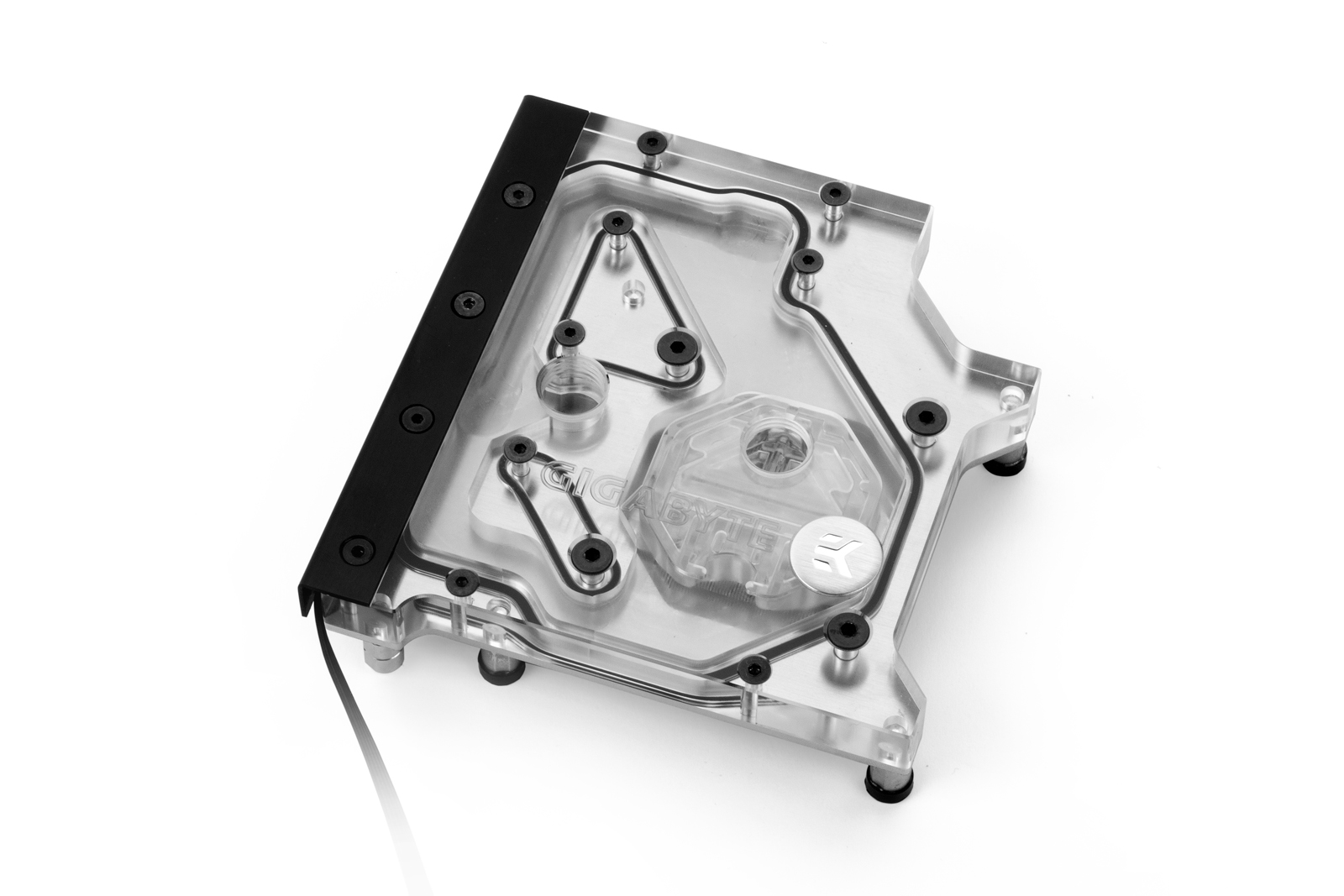
 
EK-FB GA Z270X RGB Monoblock – Nickel
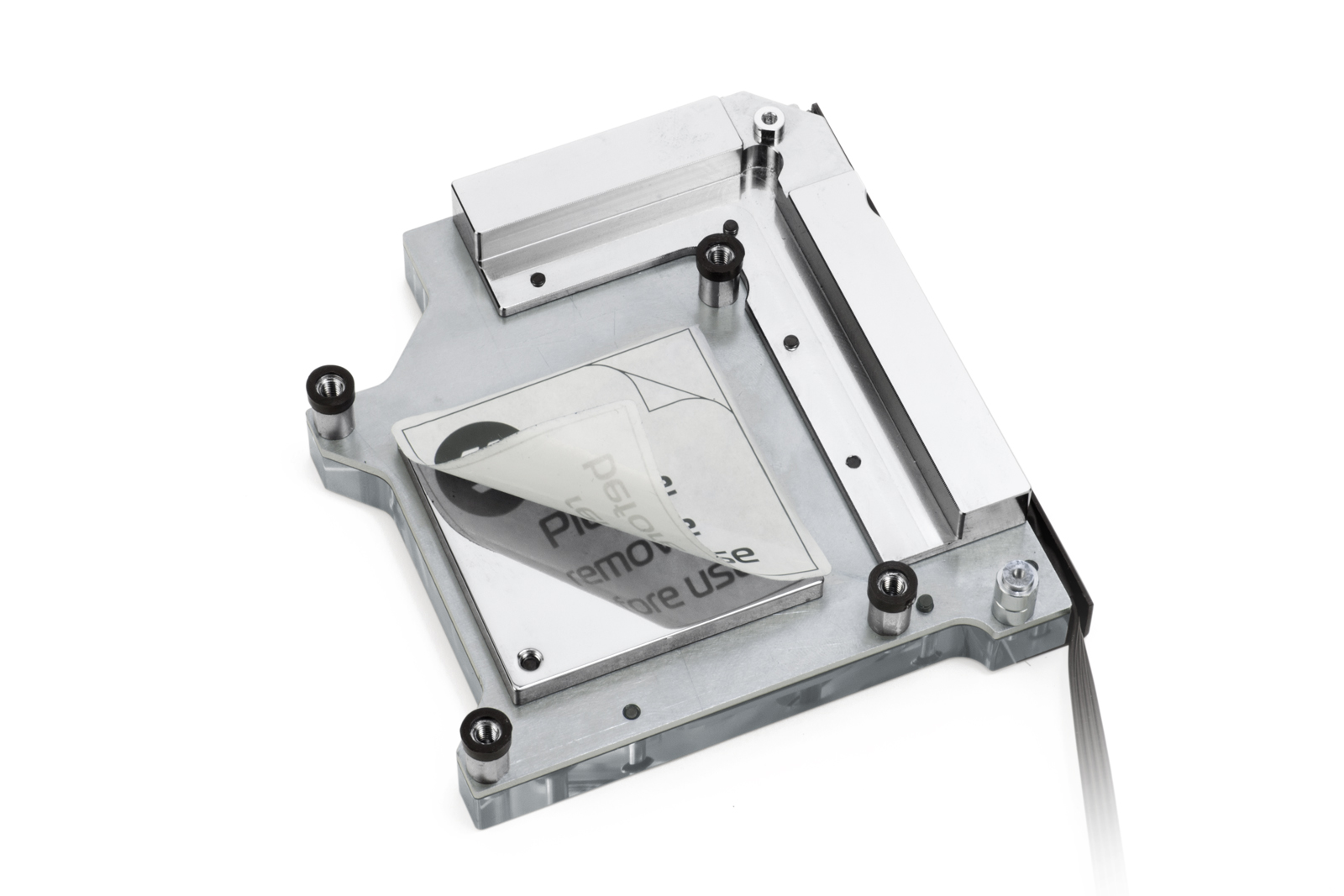
The base of the monoblock is made of nickel-plated electrolytic copper while the top is made of quality acrylic glass material. The nickel plated brass screw-in standoffs are pre-installed and allow for easy installation.

rgb_fusion-b
The monoblock is equipped with a 4-pin RGB LED strip that connects to the motherboard’s 4-pin LED header (if supported) or it can be connected to any other 4-pin LED controller. The LED strip cover can easily be removed for adjusting the cable orientation or replacing the LED strip with a custom solution as well!
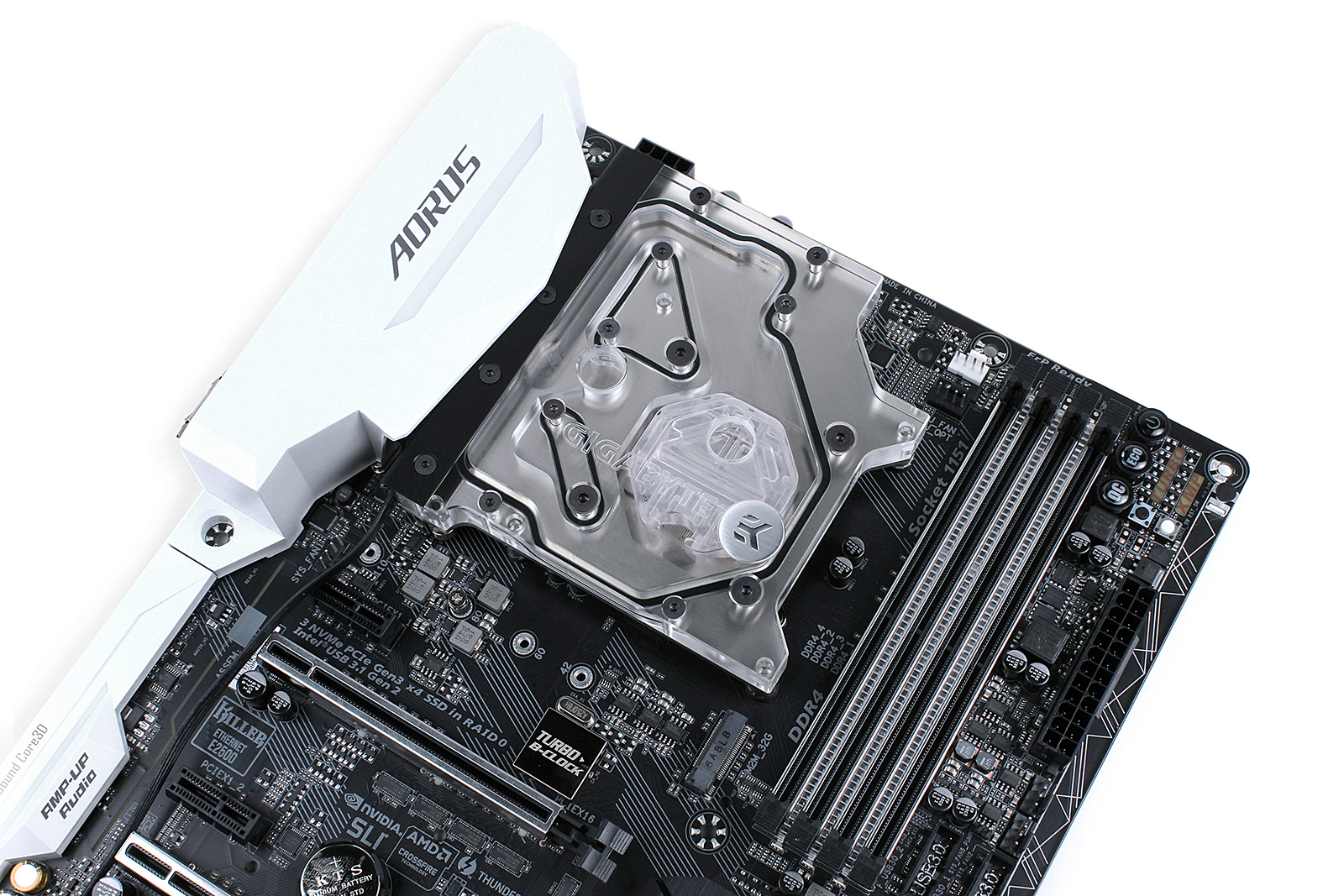
  
EKWB_Full_Cover_GA-Z270X-Gaming_7_19 EKWB_Full_Cover_GA-Z270X-Gaming_7_18
You can always check for compatible water blocks by using EK Cooling Configurator database where compatible graphics cards and motherboards are being added to the list on a daily basis:

Availability and pricing

EK-FB GA Z270X RGB Monoblock is made in Slovenia, Europe and is readily available for purchase through EK Webshop and Partner Reseller Network. In the table below you can find MSR prices with VAT included.
NameMSRP (incl. VAT)
EK-FB GA Z270X RGB Monoblock – Nickel119.95€

Nhận xét

Popular Posts

Antares Auto-Tune 8.1 Cracked VST3 Full Download

Antares Auto-Tune 8.1 Final Release is a powerful sound correction plugin for Pro Tools that allows you to refine all sounds on the same frequency. In this way you’ll get a coherence between all samples of audio that you work on. When recording a song can have certain problems with intonation and the tempo of a voice or instrument, and as a result, it may be necessary to return to the recording again and again until it comes out perfect. Antares Auto-Tune 8, a program that combines with Pro Tools to fix these problems automatically or manually. Auto-Tune 8 Serial License  Features: To fine-tune an audio file just to indicate the base musical note for all your sounds (e.g. D1) and drag the files into the window of AutoTune. AutoTune automatically, will regulate the file based on the chosen tone. Simple. If you are starting to create music and it chokes you theme tune, AutoTune will be great helpful. For most of the problems that can arise from tone Antares Auto-Tune includes a tool ...

SolidWorks 2016 Crack Only Download

SolidWorks 2016 Crack Only for SP0/SP1/SP2/SP3 – Since the beta test phase of SOLIDWORKS is completed in 2016 and the obligation of secrecy has been lifted, it is Ow, time to share my new favorite features with you. Like every year, most of the functions on the basis of customer inquiries have been developed. It is also nice to see that functions on the basis of wishes by Cadmes customers were added. SolidWorks 2016 Patch, SolidWorks 2016 Serial Activation, SolidWorks 2016 KeyGen Crack. To install SolidWorks you need Administator account It’s strongly recommended to turn off Windows UAC If your antivirus software is not from the list recommended by SW developers ( http://www.solidworks.com/sw/support/AntiVirus_SW.html ) it’s strongly recommended to turn it off 1. DISCONNECT INTERNET!!! 2. Import the SolidWorksSerialNumbers2016.reg file as administrator to populate serial numbers for SolidWorks products. 3. Mount ISO DVD1 into virtual CD-drive and run “setup.exe” if will not start autom...

GIGABYTE X99 SOC Champion overclocking guide for uncore and memory overclocking

Our technical marketing guru, Sofos, has put together an advanced overclocking guide based around uncore and memory overclocking using the GIGABYTE X99 SOC Champion motherboard and chipset so make sure you check this out if you are on X99 platform and need a few pointers. 1. Adjust the OC switch the position 2 , otherwise you won’t have the voltages you need for Uncore and memories. 2. Voltages for Uncore In the CPU Advanced Voltages, when you have the OC switch in the 2 position, you will see some extra voltages. VL1 to VL6. You only have to change VL4, VL5 and VL6 as below. The voltage you have to change to get higher uncore is mostly the VL6. Almost all the CPUs can do 1.45V, most of the CPUs can do 1.5V but some CPUs can do even higher Voltage. There are few CPUs that boot with lower than 1.45V though. If the CPU can do high VL6 then probably it can do and high Uncore but not all the times. It depends on the CPU. In the OS through GTL all you have to do is to raise the VRING to ...