Chuyển đến nội dung chính

Our New Interactive Display on Never Giving Up!


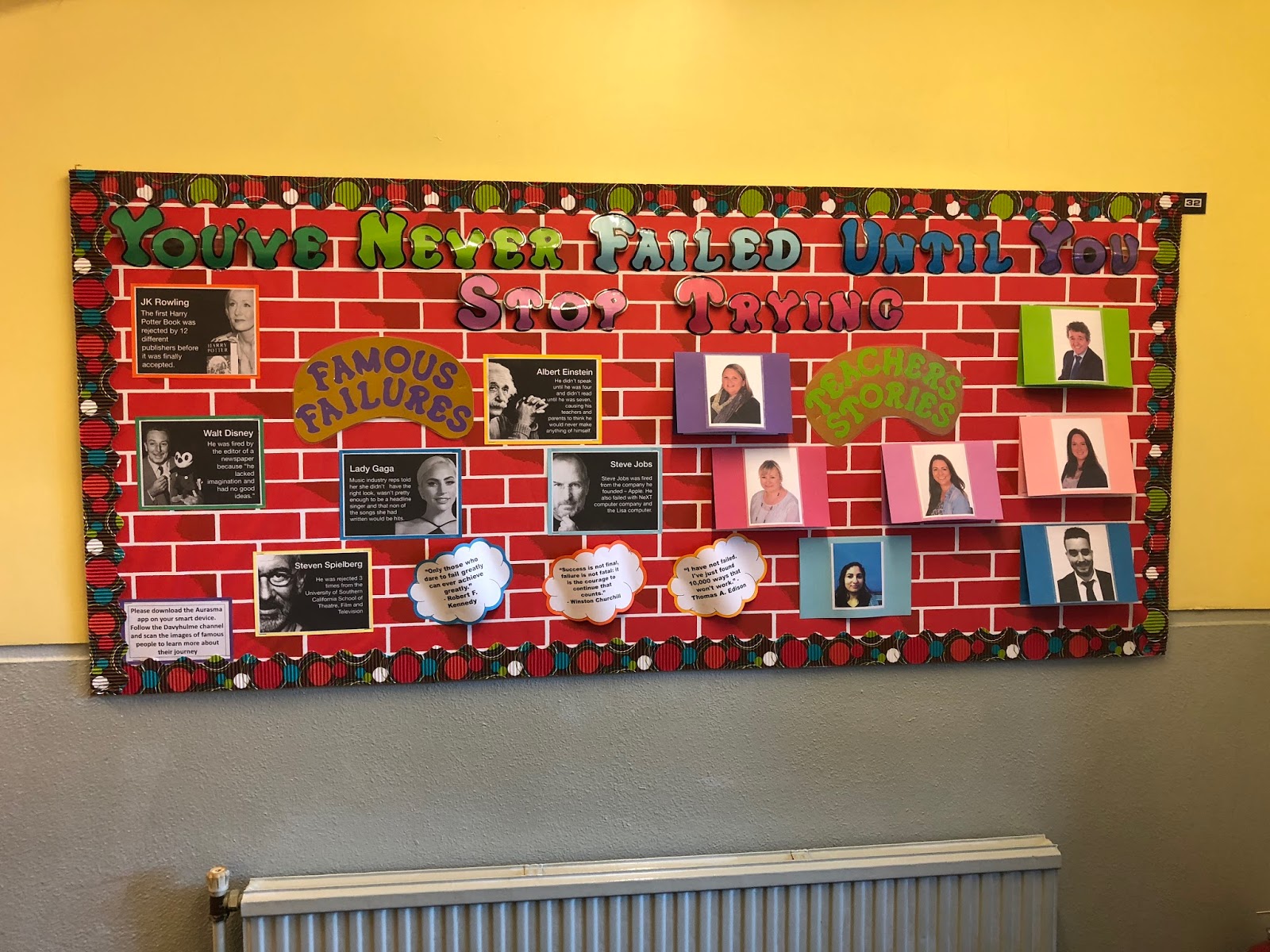
In my sessions each week at Davyhulme, I have been working on a project with my Digital Leaders. As a school with a motto 'Reaching for the Stars,' I wanted the pupils to create a display that would inspire children to persevere and not let failure stop them achieving their goals.

The idea was inspired by something I saw at Candleby Lane School in Nottingham. They had a display featuring stories from teachers talking about how they have failed and how they overcame that failure. So we did the same, we asked teachers to share stories of times when they felt they had failed and how they worked through it and didn't let it stop them from achieving their goals. I feel this is a really powerful thing to share with our students to make them understand that everyone will have ups and downs including their teachers. Here is my example:




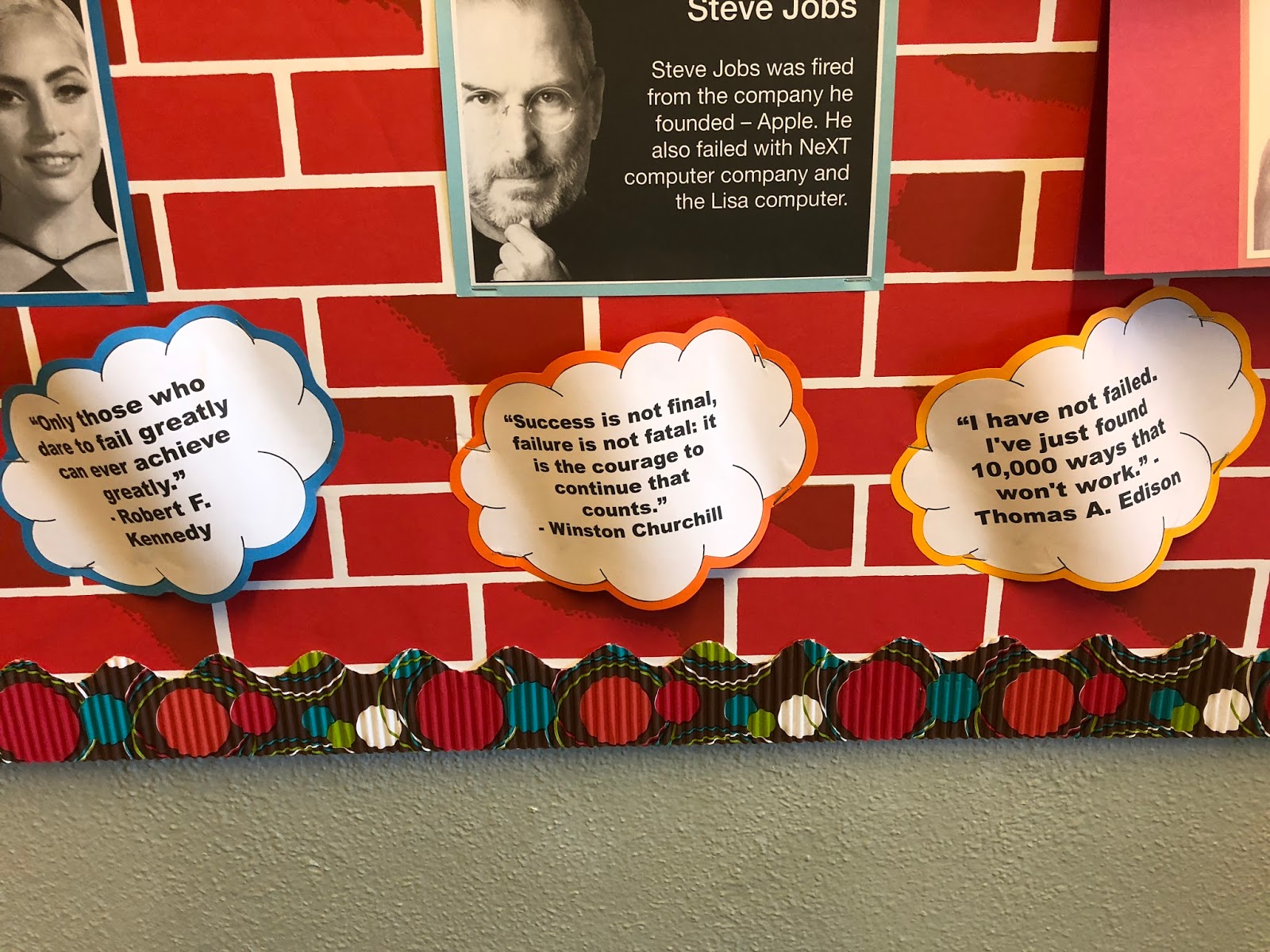
The Digital Leaders also researched famous people who had also struggled in their journey to reach their goal. To share what they had learned, they used the app Apple Clips to create a short video about each person, why they are famous and what failure or obstacle they faced on their journey to being a success.

To enhance the display we then linked the videos through Augmented Reality using the app HP Reveal (formerly Aurasma) to make the display interactive. This is something we have used before and you can read about our interactive reading display here.


Here is a video of some of our Digital Leaders talking about their finished display:


We have also published all of our videos about famous people who failed to this YouTube playlist, we hope you enjoy watching them:

Nhận xét

Popular Posts

Publishing Opinion Writing Using Apple Clips & PicEdu

Students in Mrs. Heringer's 2nd grade did a fantastic job publishing their opinion writing pieces using PicEdu, Apple Clips & Seesaw. The results are creative, engaging videos that tell their opinions and give voice to their stories. Keep reading to see how they did it! Mrs. Heringer's students worked on their opinion writing pieces and drafted their writing on paper. Students used a graphic organizer to organize their thoughts, using the Step Up to Writing method, then wrote finished drafts onto lined paper. Because students' writing was organized into four groups (first, next, then, last), we had them use the app PicEdu to create four illustrations for their stories. We allowed them to use web search, drawing, stickers or the camera to create their illustrations - our main focus was that students created illustrations that made sense with the words they wrote. Once illustrations were done, we showed students how to use the app Apple Clips to finish their projects. If...

Google Edu Infographic: How to Force a Copy of a Document

Can't see the image via email? Visit the blog here . Try it out! Click this link to take a copy of the file . This technique also works on other Google filetypes (Sheets and Slides). Original URL: https://docs.google.com/a/friedtechnology.com/document/d/1CqUbWOHedWr9WiLO7M4aM9IIDPple1HhDGSx23tzerA/edit?usp=sharing Edited URL (the Force Copy URL): https://docs.google.com/a/friedtechnology.com/document/d/1CqUbWOHedWr9WiLO7M4aM9IIDPple1HhDGSx23tzerA/copy

SolidWorks 2016 Crack Only Download

SolidWorks 2016 Crack Only for SP0/SP1/SP2/SP3 – Since the beta test phase of SOLIDWORKS is completed in 2016 and the obligation of secrecy has been lifted, it is Ow, time to share my new favorite features with you. Like every year, most of the functions on the basis of customer inquiries have been developed. It is also nice to see that functions on the basis of wishes by Cadmes customers were added. SolidWorks 2016 Patch, SolidWorks 2016 Serial Activation, SolidWorks 2016 KeyGen Crack. To install SolidWorks you need Administator account It’s strongly recommended to turn off Windows UAC If your antivirus software is not from the list recommended by SW developers ( http://www.solidworks.com/sw/support/AntiVirus_SW.html ) it’s strongly recommended to turn it off 1. DISCONNECT INTERNET!!! 2. Import the SolidWorksSerialNumbers2016.reg file as administrator to populate serial numbers for SolidWorks products. 3. Mount ISO DVD1 into virtual CD-drive and run “setup.exe” if will not start autom...